CarLaTeX
Is it possible to create a new kind of `longtblr`, "Quadro" in the example, with its own numbering, and its own LoT, in a more elegant way than the following?
```
\documentclass{book}
\usepackage[T1]{fontenc}
\usepackage{geometry}
\usepackage{tabularray}
\NewTblrEnviron{quadro}
\SetTblrOuter[quadro]{
label=none,
long,
entry=none,
}
\usepackage{newfloat}
\DeclareFloatingEnvironment[
fileext=loq,
listname={List of Quadros},
name=Quadro,
placement=tbhp,
]{qua}
%\usepackage{hyperref}
\begin{document}
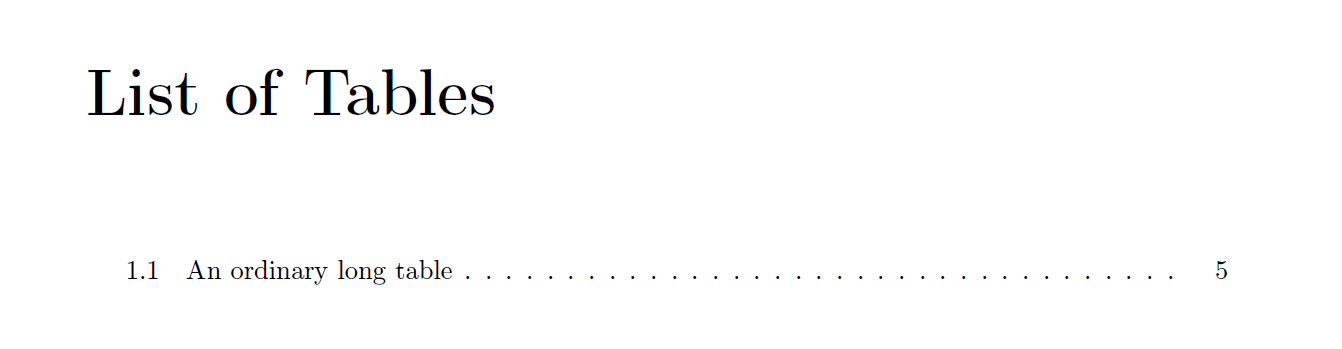
\listoftables
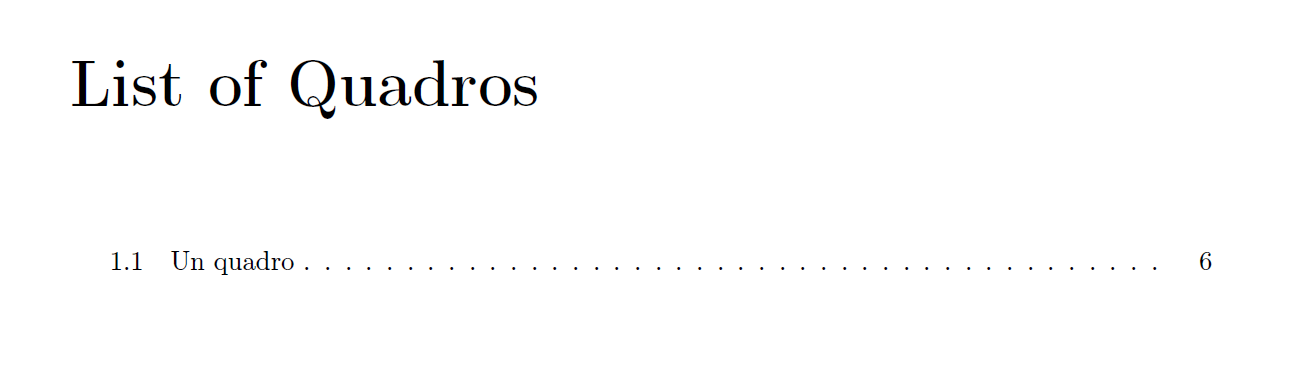
\listofquas
\chapter{Chapter}
\section{Section}
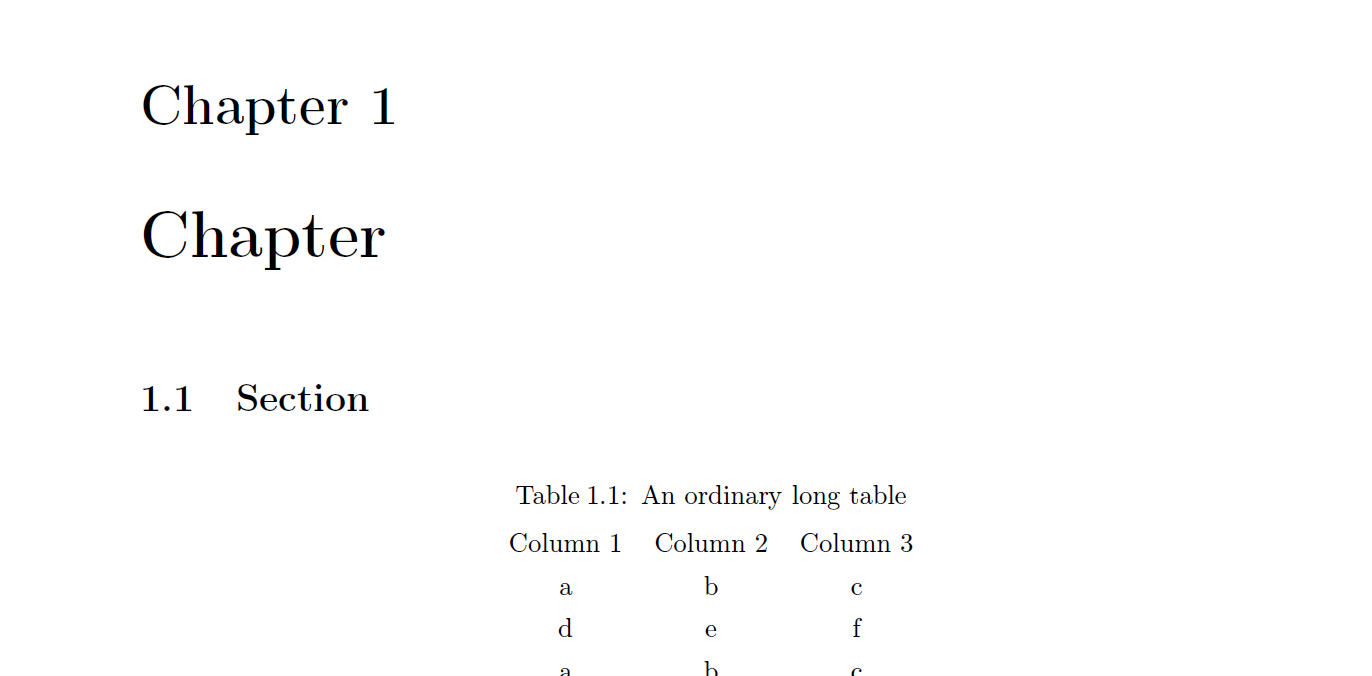
\begin{longtblr}[
caption = {An ordinary long table},
label = {tab:longtab},
]{
colspec = {*3{c}},
rowhead = 1,
}
Column 1 & Column 2 & Column 3\\
a & b & c\\
d & e & f\\
a & b & c\\
d & e & f\\
a & b & c\\
d & e & f\\
a & b & c\\
d & e & f\\
a & b & c\\
d & e & f\\
a & b & c\\
d & e & f\\
a & b & c\\
d & e & f\\
a & b & c\\
d & e & f\\
a & b & c\\
d & e & f\\
a & b & c\\
d & e & f\\
a & b & c\\
d & e & f\\
a & b & c\\
d & e & f\\
\end{longtblr}
\refstepcounter{qua}\addcontentsline{loq}{table}{\thequa\enspace\enspace Un quadro}
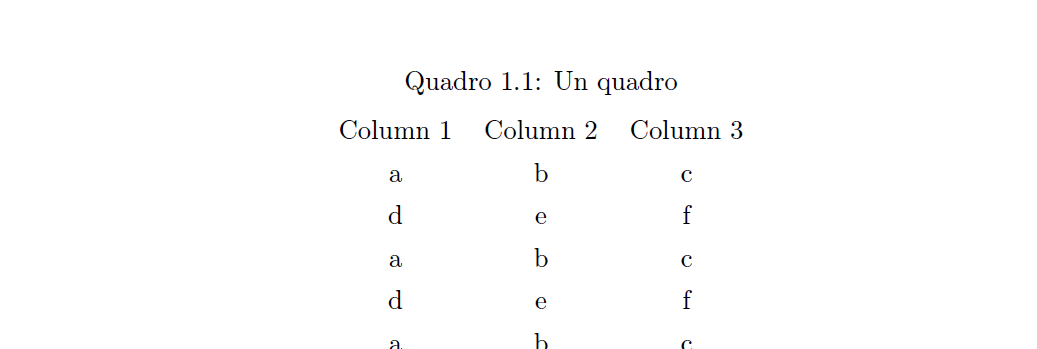
\begin{quadro}[
caption={Quadro \thequa: Un quadro},
]{
colspec = {*3{c}},
rowhead = 1,
}
Column 1 & Column 2 & Column 3\\
a & b & c\\
d & e & f\\
a & b & c\\
d & e & f\\
a & b & c\\
d & e & f\\
a & b & c\\
d & e & f\\
a & b & c\\
d & e & f\\
a & b & c\\
d & e & f\\
a & b & c\\
d & e & f\\
a & b & c\\
d & e & f\\
a & b & c\\
d & e & f\\
a & b & c\\
d & e & f\\
a & b & c\\
d & e & f\\
a & b & c\\
d & e & f\\
a & b & c\\
d & e & f\\
a & b & c\\
d & e & f\\
a & b & c\\
d & e & f\\
a & b & c\\
d & e & f\\
a & b & c\\
d & e & f\\
a & b & c\\
d & e & f\\
a & b & c\\
d & e & f\\
a & b & c\\
d & e & f\\
a & b & c\\
d & e & f\\
\end{quadro}
\end{document}
```
Top Answer
samcarter
Normally, tabularray has the name of the list (`lot`) and the name of the counter (`table`) hard coded in the code, but what if we patch it to use macros instead? Then we can redefine these macros between the different types of tables (I don't know if this is more elegant, but it saves you from having to add the list entry manually):
```
\documentclass{article}
\usepackage{tabularray}
\NewTblrEnviron{quadro}
\SetTblrOuter[quadro]{long}
\usepackage{newfloat}
\DeclareFloatingEnvironment[
fileext=loq,
listname={List of Quadros},
name=Quadro,
placement=tbhp,
]{qua}
\usepackage{xpatch}
\def\listtype{lot}
\def\countertype{table}
\ExplSyntaxOn
\DeclareTblrTemplate { caption-lot } { normal }
{
\tl_if_empty:NTF \lTblrEntryTl
{ \tl_set_eq:NN \l__tblr_caption_short_tl \lTblrCaptionTl }
{ \tl_set_eq:NN \l__tblr_caption_short_tl \lTblrEntryTl }
\addcontentsline { \listtype } { table }
{ \protect\numberline { \csname the\countertype\endcsname } { \l__tblr_caption_short_tl } }
}
\SetTblrTemplate { caption-lot } { normal }
\DeclareTblrTemplate { caption-tag } { normal } { \tablename\hspace{0.25em}\csname the\countertype\endcsname }
\SetTblrTemplate { caption-tag } { normal }
\xpatchcmd{\__tblr_build_table_label_entry:}
{\refstepcounter { table }}
{\refstepcounter { \countertype }}
{}
{\typeout{Patch failed}}
\ExplSyntaxOff
\AtBeginEnvironment{quadro}{%
\def\listtype{loq}%
\def\countertype{qua}%
\def\tablename{Quadro}%
}
\begin{document}
\listoftables
\listofquas
\begin{longtblr}[
caption = {An ordinary long table},
label = {tab:longtab},
]{
colspec = {*3{c}},
rowhead = 1,
}
Column 1 & Column 2 & Column 3\\
a & b & c\\
\end{longtblr}
\begin{longtblr}[
caption = {more long table},
label = {tab:longtttab},
]{
colspec = {*3{c}},
rowhead = 1,
}
Column 1 & Column 2 & Column 3\\
a & b & c\\
\end{longtblr}
\begin{quadro}[
caption={Un quadro},
]{
colspec = {*3{c}},
rowhead = 1,
}
Column 1 & Column 2 & Column 3\\
a & b & c\\
\end{quadro}
\begin{longtblr}[
caption = {Another ordinary long table},
label = {tab:longttab},
]{
colspec = {*3{c}},
rowhead = 1,
}
Column 1 & Column 2 & Column 3\\
a & b & c\\
\end{longtblr}
\end{document}
```
