samcarter

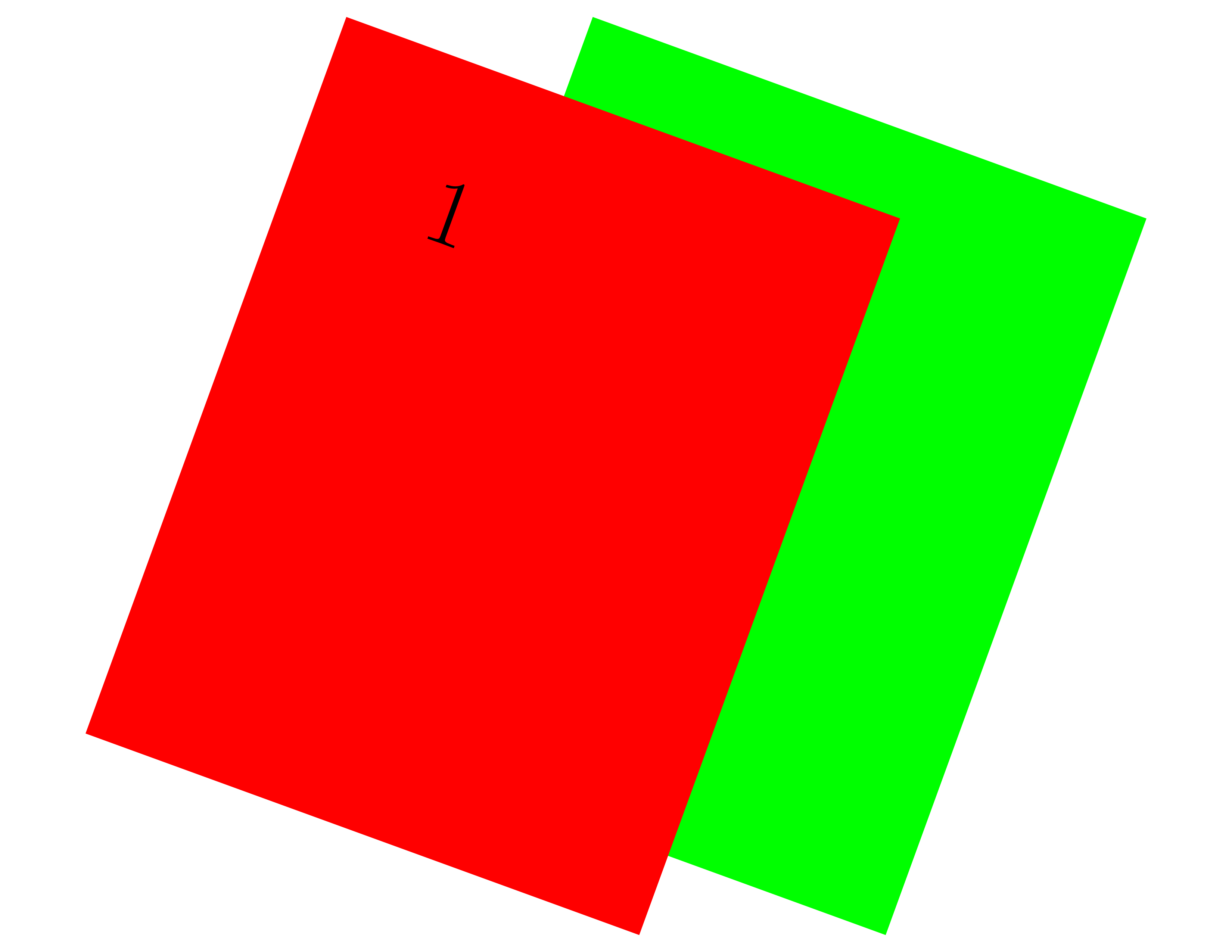
I'm using a custom pgfpages layout in which the pages partially overlap.
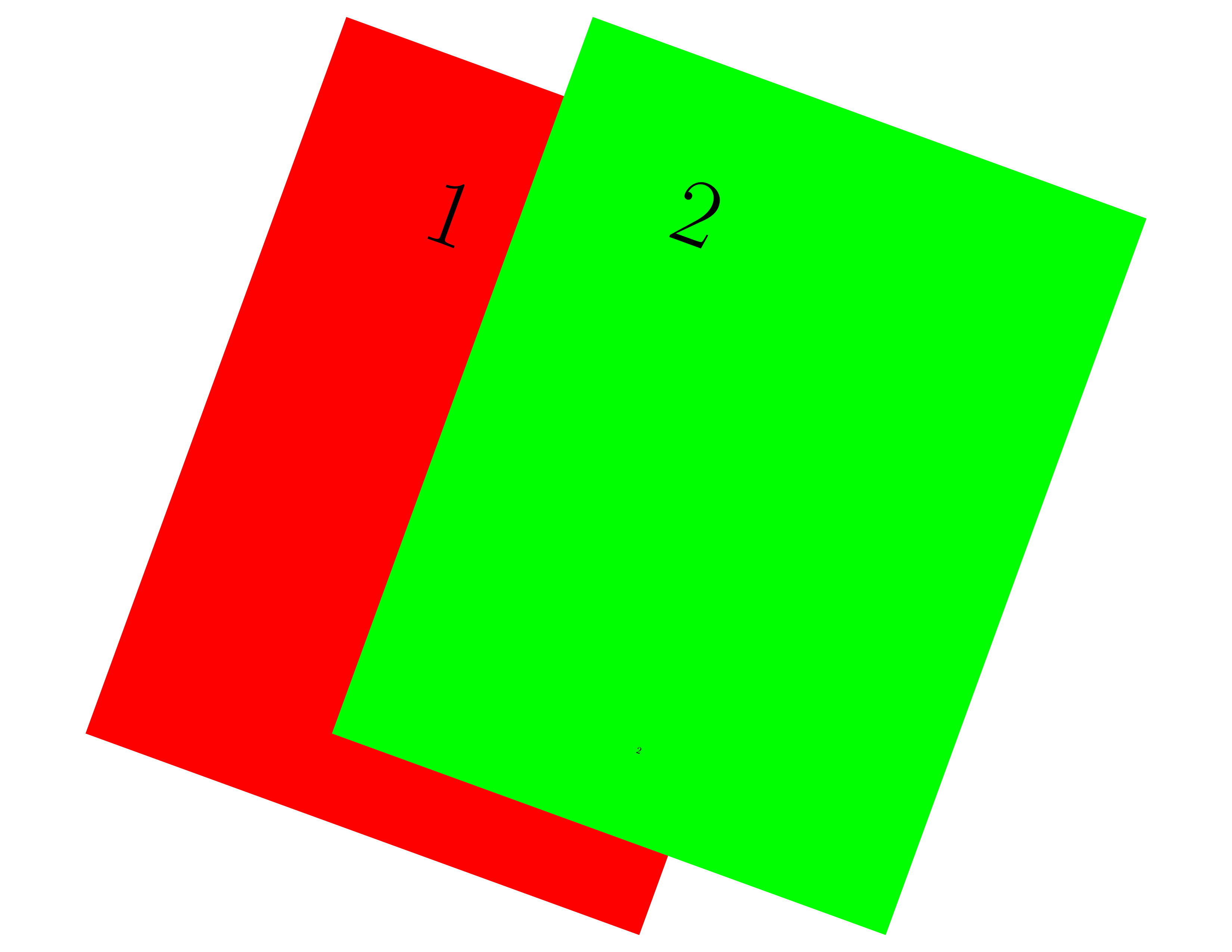
I'm wondering if it is possible to change the z-order of the pages so that in the following example, the red page would overlap the green page?
I have alternative solutions with externalising the included document and similar, but I'm curious if this would be possible with pgfpages.
```
\documentclass{article}
\usepackage{xcolor}
\usepackage{lmodern}
\usepackage{pgfpages}
\pgfpagesdeclarelayout{quack}
{
\edef\pgfpageoptionheight{\the\paperheight}
\edef\pgfpageoptionwidth{\the\paperwidth}
\edef\pgfpageoptionborder{0pt}
}
{
\pgfpagesphysicalpageoptions
{%
logical pages=2,%
physical height=\pgfpageoptionheight,%
physical width=\pgfpageoptionwidth%
}
\pgfpageslogicalpageoptions{1}
{%
border shrink=\pgfpageoptionborder,%
resized width=.8\pgfphysicalwidth,%
resized height=.8\pgfphysicalheight,%
rotation=-20,%
center=\pgfpoint{.4\pgfphysicalwidth}{.5\pgfphysicalheight}%
}%
\pgfpageslogicalpageoptions{2}
{%
border shrink=\pgfpageoptionborder,%
resized width=.8\pgfphysicalwidth,%
resized height=.8\pgfphysicalheight,%
rotation=-20,%
center=\pgfpoint{.6\pgfphysicalwidth}{.5\pgfphysicalheight}%
}%
}
\pgfpagesuselayout{quack}[landscape]
\begin{document}
\fontsize{100}{100}\selectfont
\pagecolor{red}1
\newpage
\pagecolor{green}2
\end{document}
```
### Desired result: